
How to use the Story Bible Starter Kit: a page-by-page guide to the free fillable PDF, with a filled-in example for characters, world, timeline and continuity.
Bonus: Download the free Story Bible Starter Kit and plan your story section by section as you read.
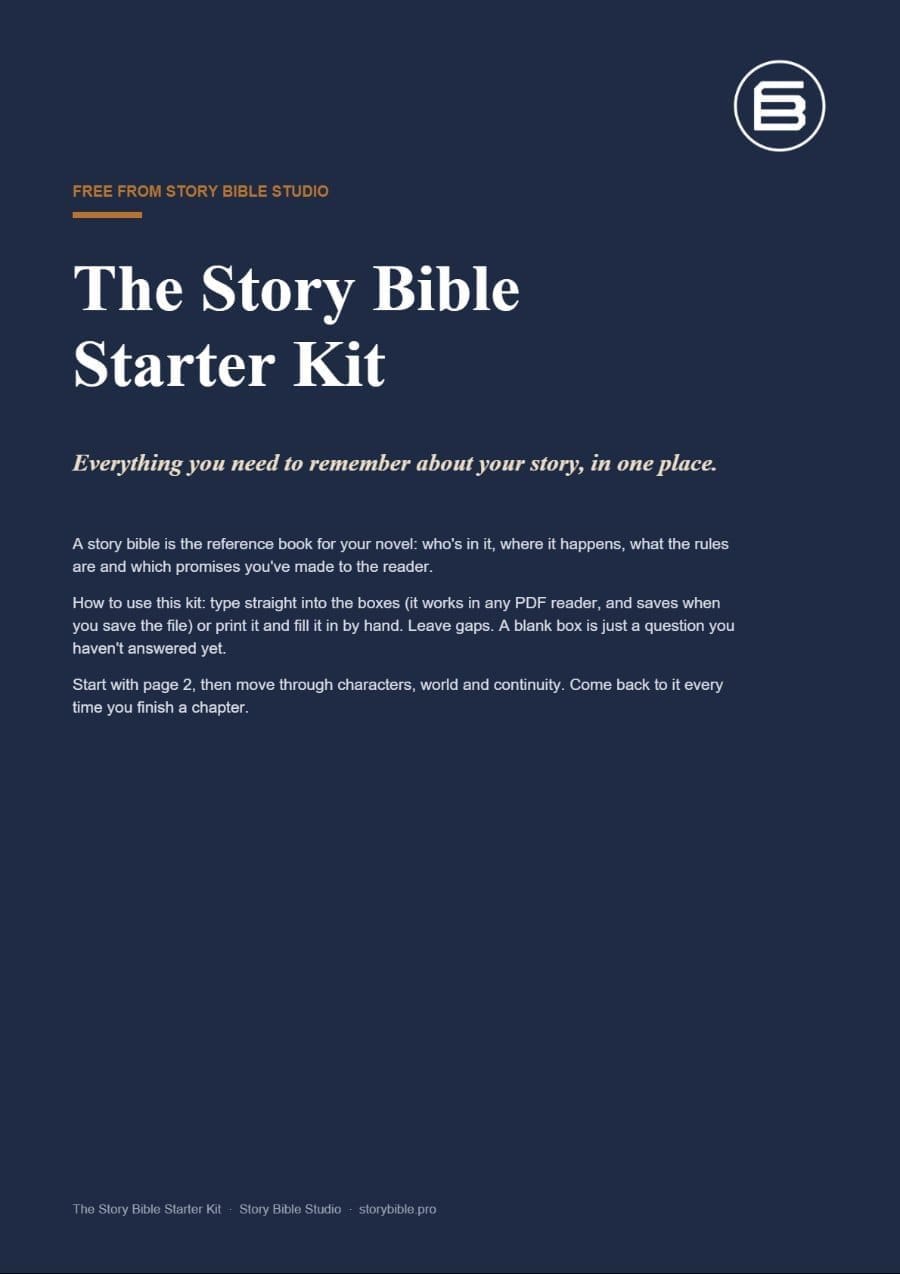
A story bible is the reference book for your novel. It holds who is in the story, where it happens, what the rules are and which promises you have made to the reader. The Story Bible Starter Kit is the shortest route to one: eight fillable pages that cover the things writers forget most often.
This guide walks through every page. To make it concrete, I filled the kit in for an invented novel called The Salt Ledger, a mystery set on an island off the west coast of Ireland. You will see those filled-in pages below, so you know exactly what a useful answer looks like.
What Is Inside the Kit?
The kit is a single PDF with one page for each job a story bible has to do:
- Page 1: Start here. What a story bible is and how to use the kit.
- Page 2: Your story at a glance. Title, genre, logline, point of view, theme and ending.
- Pages 3 and 4: Characters. Four character cards, each with wants, needs, flaw and secret.
- Page 5: World and rules. Setting, key places and the rules your world must keep.
- Page 6: Timeline. Thirteen rows for events, including the ones before page one.
- Page 7: Continuity tracker. Open threads with tick boxes, plus the facts you must never contradict.
- Page 8: Next step. What to do when your story outgrows paper.
Print It or Type Straight Into It
Every box is a form field. Open the PDF in any reader (Adobe Acrobat, Preview on a Mac, Microsoft Edge or a tablet app such as GoodNotes) and type. Your answers stay put when you save the file. If you think better with a pen, print it on A4 and write by hand.
One tip before you start: save a copy with your book's working title in the file name. If you write a series, keep one kit per book. That way book two never quietly overwrites a fact from book one.
How to Use the Story Bible Starter Kit, Page by Page
You do not have to fill the kit in order or in one sitting. Leave gaps. A blank box is only a question you have not answered yet. That said, page 2 is the best place to begin, because every other page leans on it.
Page 2: Your Story at a Glance

If you can fill this page in, you can explain your book to anyone in under a minute. The logline box does the heavy lifting: who wants what, and what stands in the way. For The Salt Ledger that became a widowed archivist, a missing logbook and a developer who wants to buy the island.
Do not polish this page. Write the ending even if you expect it to change, because a provisional ending gives every scene something to aim at. The last box, the one image that made you want to write the story, is the one to reread when the middle of the draft gets hard.
Pages 3 and 4: Character Cards

Use one card per major character. The two boxes that matter most sit side by side: wants is what the character chases, and needs is what they actually lack. When those two pull in different directions, you have a character arc. Nora wants to stop the island being sold; she needs to stop hiding in other people's records.
The box for look, voice and habits is the one you will thank yourself for later. Eye colour, a catchphrase, the way someone takes their tea: these are the details that drift between chapter three and chapter thirty. Minor characters can wait until they appear on the page.
Page 5: World and Rules

Most continuity slips come from forgetting a rule you set early on. This page asks for the rules and also for the cost of breaking each one. That works for magic systems, but it works just as well for a realistic novel. On Nora's island the ferry only runs twice a week, so nobody can arrive or leave on a whim. That single rule shapes half the plot.
Page 6: Timeline

Start the timeline before page one. Backstory is where ages, dates and grudges go wrong. Each row has a third column, who knows about it, which is the secret weapon of this page. Mysteries and thrillers live or die on who knows what, and when.
Page 7: Continuity Tracker

Every question you raise is a promise to the reader. List each open thread, then tick it off when you pay it off. Underneath, keep the facts you must never contradict and the questions you still need to answer. Before you send the manuscript to a beta reader, any thread without a tick deserves a second look.
Page 8: When You Outgrow the PDF
Paper works brilliantly until you have forty characters, three timelines and a sequel. The last page of the kit points to Story Bible Studio, where the same sections live online: characters, places, rules and timelines, linked together and searchable beside your manuscript.
A Simple Routine That Keeps the Kit Useful
A story bible only helps if it stays current. This routine takes a few minutes a week:
- Before you draft: spend twenty minutes on page 2 and the cards for your main characters.
- As you write: when a new character or place appears, add a card or a row straight away.
- After each chapter: add new events to the timeline and new threads to the tracker.
- Before revision: read the tracker top to bottom and chase every unticked thread.
Final Thoughts on the Story Bible Starter Kit
The kit is deliberately small. Eight pages will not hold everything about your novel, and they are not meant to. They hold the things you are most likely to forget, in a form you will actually keep up. Fill page 2 today, add your characters this week, and let the rest grow alongside the draft.
If you want company while you write, try a round of collaborative fiction on Chain Story Online, and find more ideas for readers and writers on Enda Storrie.
Build it in Story Bible Studio: move your characters, places, rules and timeline online, linked and searchable beside your manuscript. Create your free Story Bible Studio account, then keep the free Story Bible Starter Kit for quick planning on paper. Still comparing tools? See our guide to the best novel writing software.
Related reading: Story Bible Examples: What Real Novelists Keep in Theirs · How to Turn Your Messy Notes Into a Story Bible
That's it. Enda Storrie


